What is Days Until?
Days Until is a personal tracker for named time intervals.
You define a start date and an end date, give the interval a name — "Summer holiday", "House renovation", "Q3 sprint" — and the app shows how many days have elapsed, how many remain, and a visual progress bar.
Intervals are private to your account by default. You can optionally share a collection of intervals publicly using a share group, which gets its own human-readable link.
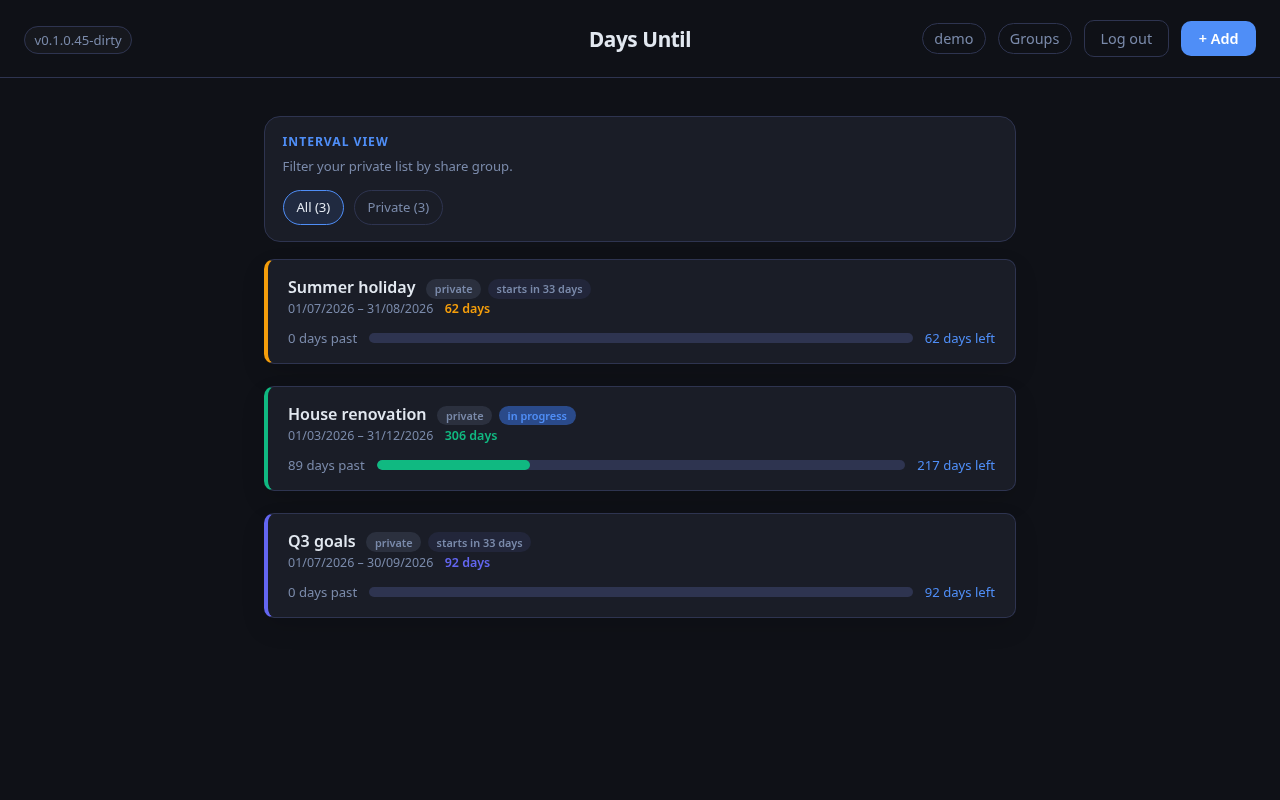
Dashboard view showing intervals with progress bars and day counts.
Getting started
Create an account
Register with your email address and a password. If the instance has email configured, you will receive a verification link — click it before signing in for the first time.
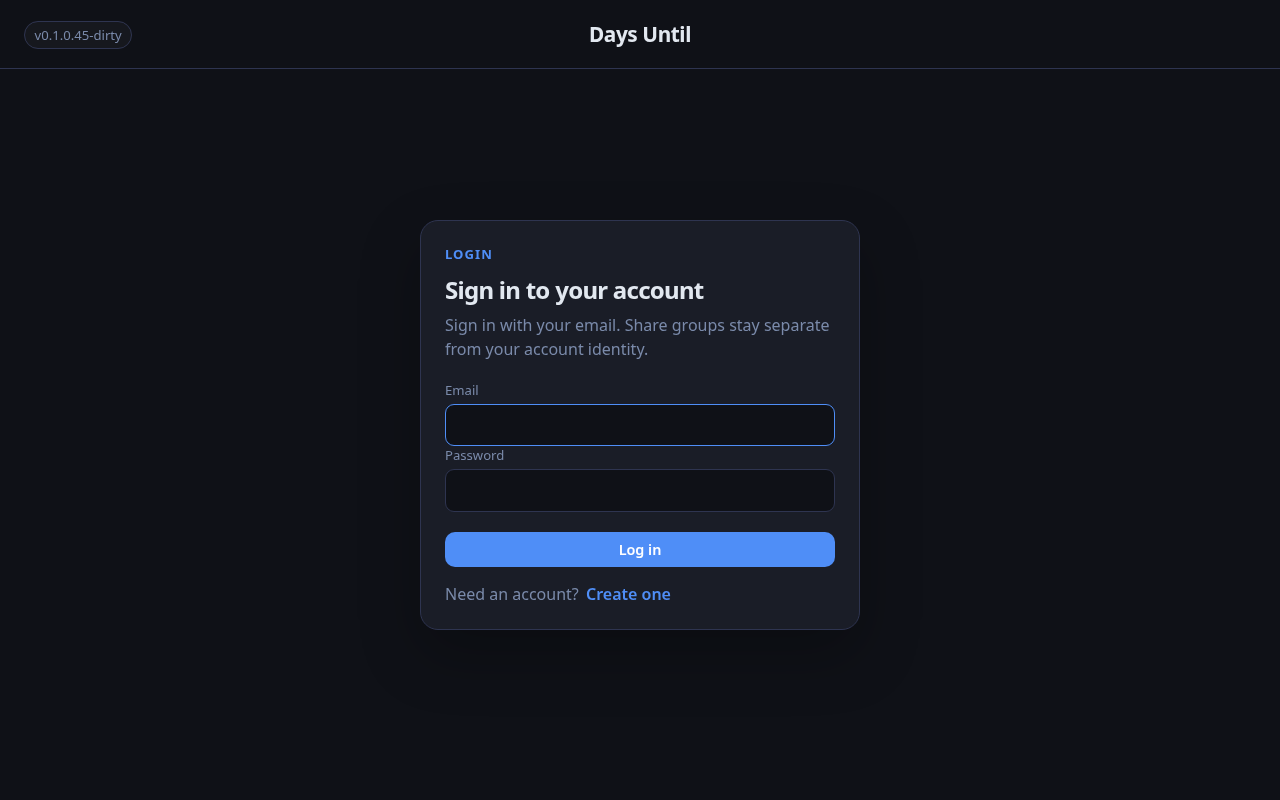
The login page. Use email + password, or a passwordless magic link if configured.
Add your first interval
Click the + Add button in the top right. Fill in the name, start date, and end date. You can pick a color using the swatches or the color picker.
Leave Share group blank to keep the interval private.
Read the cards
Each interval card shows:
- The interval name and your chosen color as an accent
- A progress bar showing how far through the interval you are today
- Days elapsed and days remaining
- A status badge — upcoming, in progress, or ended
Edit or delete an interval
Click the edit icon on any card to open the edit form. Change the name, dates, color, or share group assignment. To remove it entirely, use the delete button inside the form.
Sharing intervals
Share groups let you publish a collection of intervals at a public URL. Anyone with the link can see the intervals in that group — no account required.
Create a share group
Click the Groups button in the header. Enter a name for your group
(for example, "Trips") and click Create.
The group gets a unique link like /g/forest-harbor-otter.
Assign intervals to the group
Edit any interval and choose the group from the Share group dropdown. The interval will appear on the group's public page immediately.
Share the link
Copy the link shown under the group name and send it to anyone you want to share with. The public page shows only the intervals you assigned to that group.
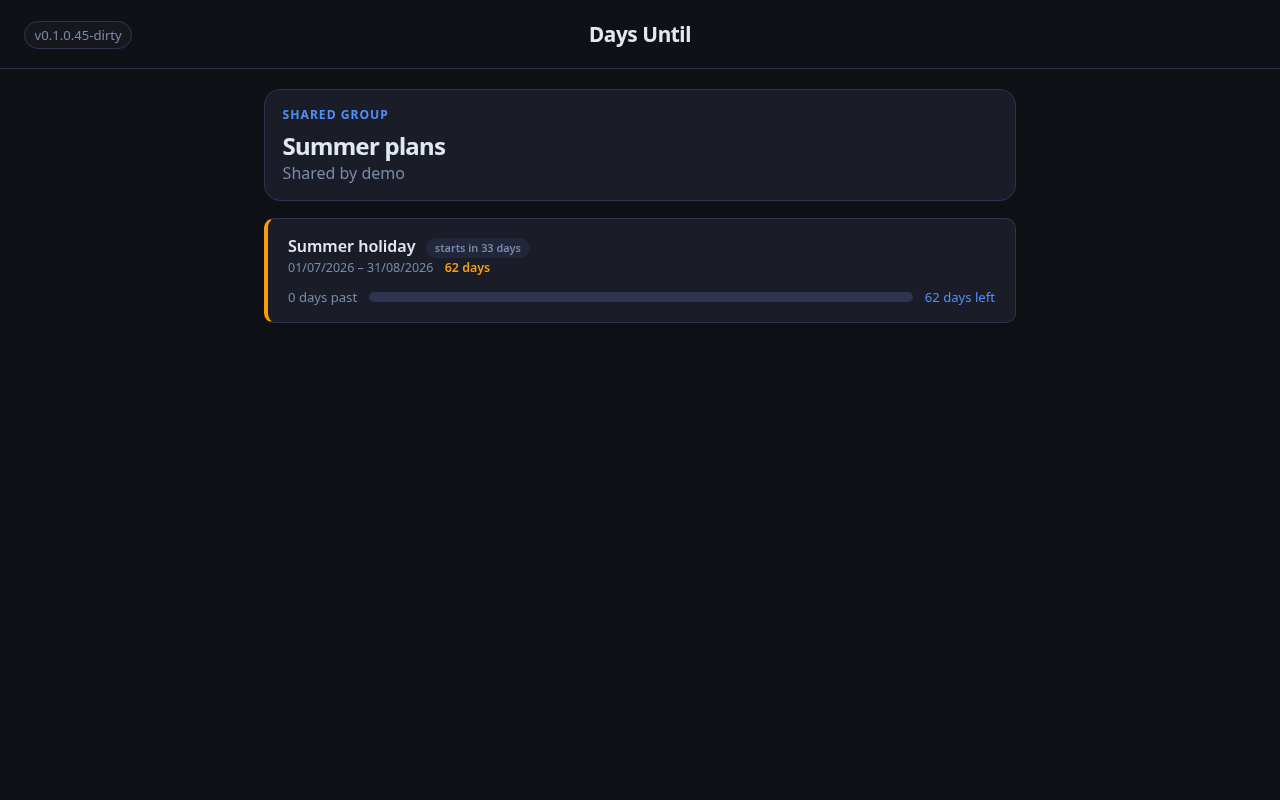
A public share group page — visible to anyone with the link, no login needed.
Sign-in options
Three methods are available depending on how the instance is configured:
- Email + password — always available; register once and sign in with your credentials.
- Magic link — enter your email and receive a one-time sign-in link; no password needed.
- GitHub — sign in with your GitHub account via OAuth; requires the instance to be configured with a GitHub OAuth App.
Account settings
Click your username button in the header to open the Account panel. From there you can update your display name, which appears on public share group pages.
You can also delete your account from this panel. Deletion is permanent and removes all your intervals and share groups.